UPS & Data Center Power
UPS Power-Board Copper Links, Blocks & PCB Solder Terminals
Select UPS copper hardware separately for rectification, the DC link and inverter outputs. Copper links and blocks carry board-level current, solder terminals connect external conductors, and fasteners need their own load review. Start an RFQ with a drawing, existing part number or an initial BOM.
Start with function, critical dimensions and volume even if CAD is incomplete.
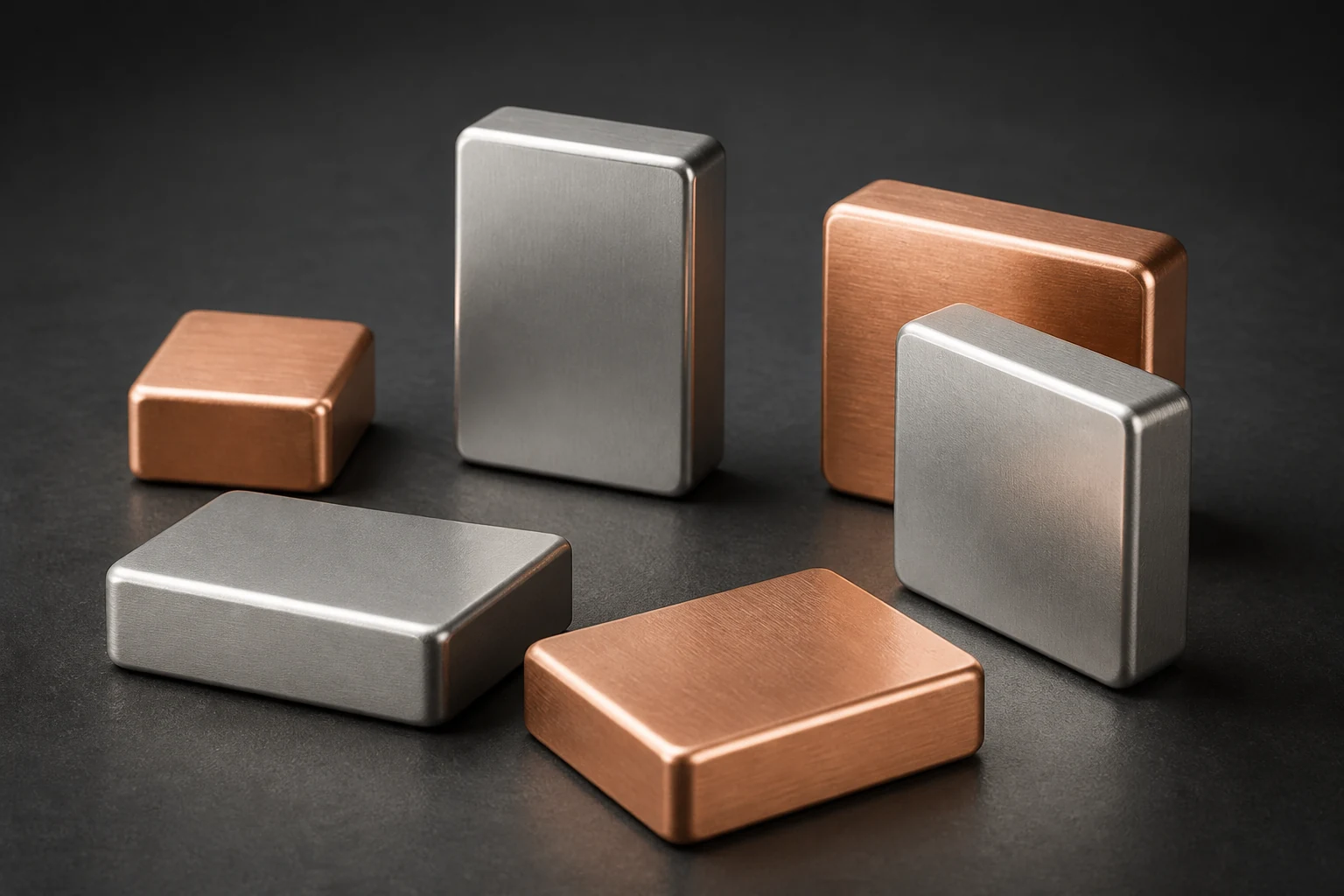
PARTS & INTERFACES
Select by the role of each part
For UPS modules and power boards. Review cabinet busbars, bypass connections and PCB hardware against their own interfaces and operating conditions.
Copper links & conductor blocks
Board reinforcement, DC connections and module interconnects
ConfirmEnvelope, cross-section, solder area, board thickness, height and assembled temperature rise
PCB solder terminals & copper posts
Power-board inputs, outputs and cable connections
ConfirmHoles, solder feet, lug contact area, tool access and anti-rotation
SMT nuts & supports
Board, heatsink and structural mounting
ConfirmThread, support height, screw length and pad loading
SELECTION REVIEW
Align engineering and sourcing inputs
Define each current path
Provide continuous, peak and ripple conditions, cooling, ambient and allowed rise. Equipment power alone does not rate each copper part.
Review soldering and final assembly together
Define reflow, wave or selective soldering, then check thermal mass, pads and loads from later cable fastening.
Agree production requirements
Confirm material, finish, coplanarity, feed orientation and sample acceptance. State sample, batch and annual quantities separately.
START WITH YOUR BOM
Have a drawing, part number or BOM?
First agree the part scope and missing inputs, then the quotation, samples and validation plan. Confirm material, processing, finish and packaging per project.
Start a hardware BOM review ↗- 01Module function and hardware position
- 02Drawing or part number, dimensions and soldering process
- 03Continuous/peak current, cooling and allowed rise
- 04Sample, batch and annual quantities
FAQ
Sourcing questions
Can an RFQ start without a complete UPS copper-part drawing?
Yes. Share the existing part number, envelope, mounting position and volume. Identify missing current, pad or hole information before agreeing a quotation and sample plan.
Do PCB copper parts and cabinet busbars share one selection basis?
Their contacts, supports and cooling differ. Review them separately; cabinet Cu-Al connections can be assessed as composite busbars or transition parts.
System design reference · TI UPS system design resources ↗